End User Guide
EOHLC Yardi Rent Café Registration and Waitlist Purge
Applicants
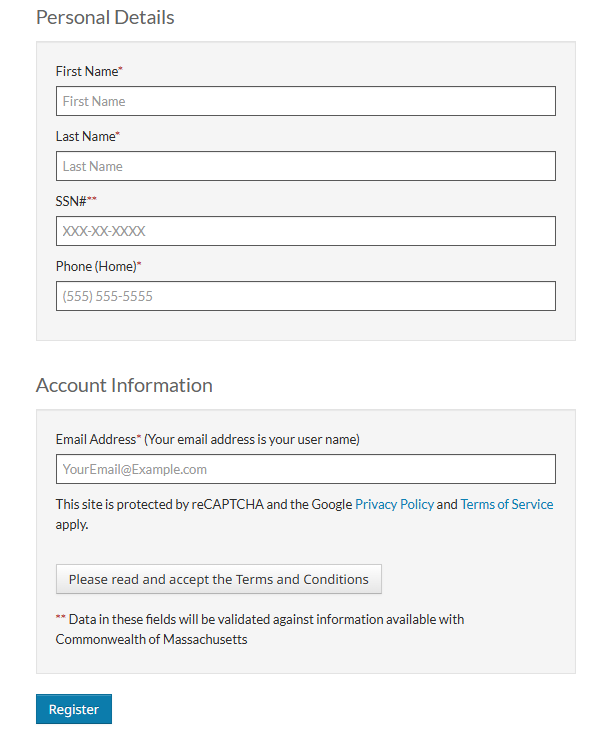
How to register your account (these steps also apply to participants)
1. Go to Mass.gov/WaitlistPortal [For participants: Mass.gov/TenantPortal]
2. Select “Create an account”
3. Enter registration code: 26299-TTXXXXX. If the registration code is unknown, AffordableHousing.com can assist at (855) 492-8974
4. Confirm the name, phone, email, and SSN associated with the account
If you have any questions about accessing the portal, please call AffordableHousing.com support at 855-492-8974.
Applicants
How to save spot on the waitlist
1. "Select the Save My Spot" tile

2. Click the checkbox under "Save My Spot"
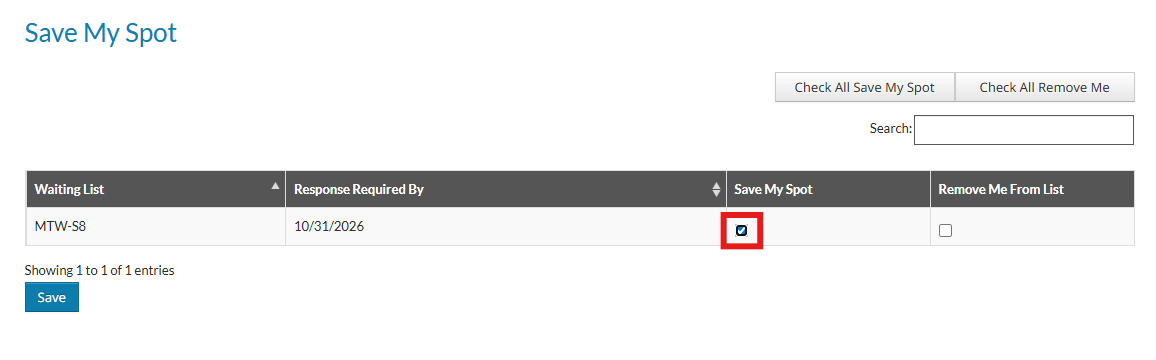
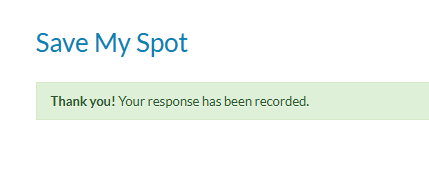
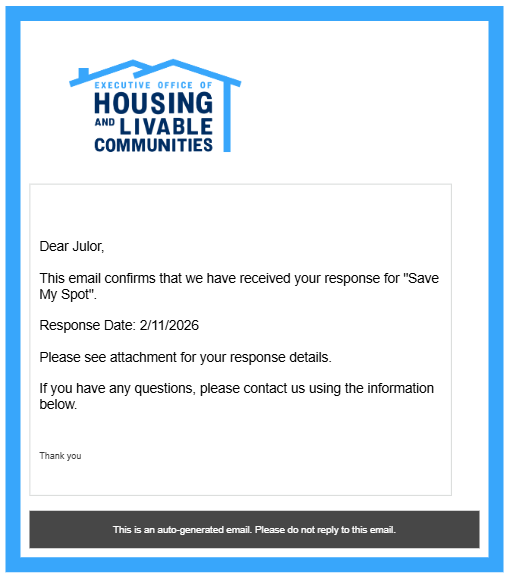
3. This pop-up will appear and an automated email will be sent
If you have any questions about accessing the portal, please call AffordableHousing.com support at 855-492-8974.
Applicants
How to check waitlist status
1. After logging in to RentCafe, check for a tile labeled “Save My Spot”
a. If the tile is there: A response is still required
b. If the tile isn’t there: A response has already been logged, see step 2
2. Click “My Waiting Lists”
a. If status says “On List", you are all set
b. If status says “Removed” you will have to call (855) 492-8974 to be reinstated
If you have any questions about accessing the portal, please call AffordableHousing.com support at 855-492-8974.